Related Articles
How to Control KODI remotely by Phone?
With the help of Kodi, IPTV users can stream thousands of live TV channels on their Android set-up box, Smartphones, gaming consoles such as Xbox One, Personal Computers, and enigma based devices such as Raspberry Pi.
KODI users can utilize an invaluable app called Kore Remote which virtually simulate a comprehensive remote control device and can be used easily on the smartphones, tablets, and iPads.
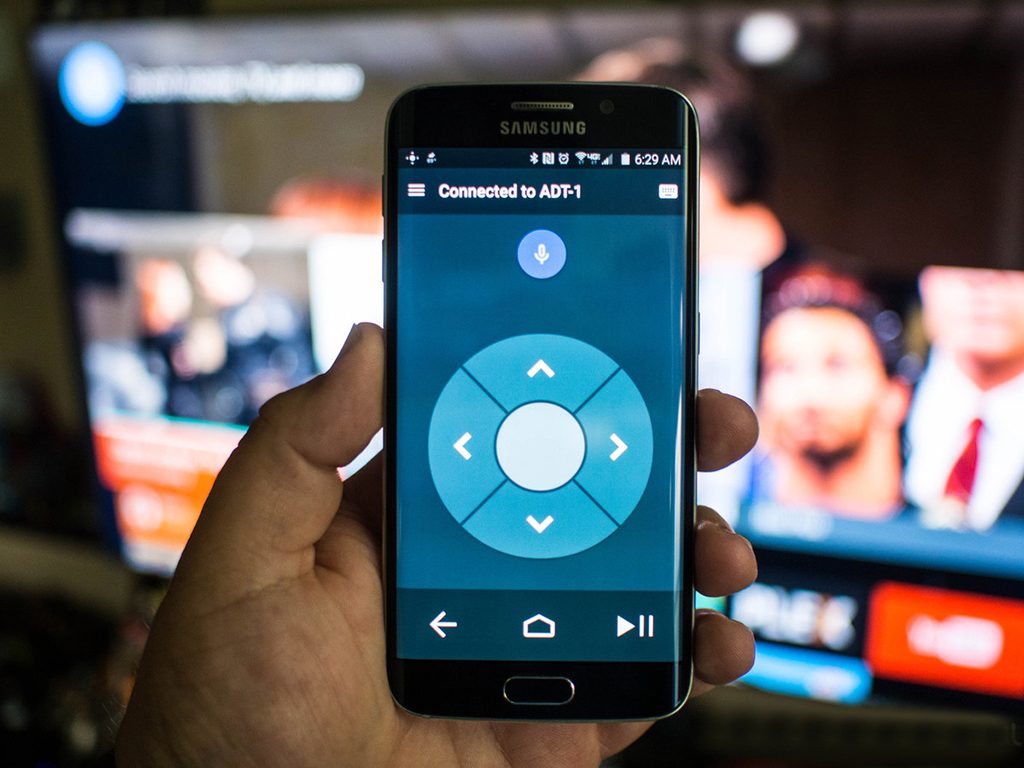
Kore, Official Remote for Kodi
Currently, there is an official app designed exclusively for Kodi and its called Kore .
Here are the main features:
– Command your media center with a simple to use remote
– Including different color themes
–
EPG
(See what’s currently playing), including related information (movies, TV shows, music, pictures, and add-ons)
– Switch, sync or download subtitles
– Switch to the wanted audio streams
– Switch to live TV channels and trigger recording on your PVR/DVR setup
– Wake-on-LAN and other power control actions that the selected device supports;
Where to Download
You can download this app via below URL’s based on your device:
Android : https://play.google.com/store/apps/details?id=org.xbmc.kore&hl=en
iOS: https://apps.apple.com/us/app/official-kodi-remote/id520480364
Source: iptvhelpcenter.com